Frequently Asked Questions
Completion requirements
10. Database
 The database module allows the participants to build, display and search a bank of record entries about a given topic. The format and structure of these entries can include images, files, URLs, numbers and text amongst other things.
To access a database in the platform, click on the Database title in the homepage of the course.
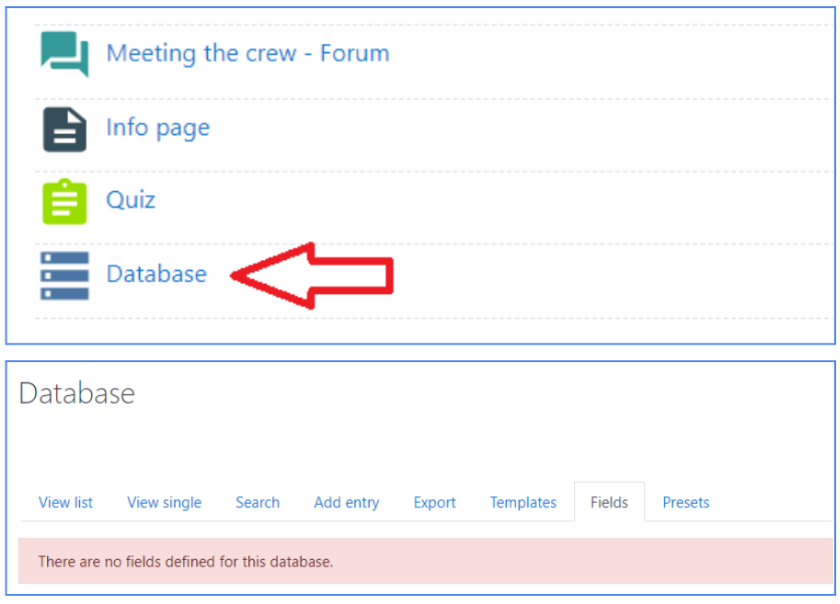
It is possible to use the provided links and tools to perform a number of actions:
- View list: view several items at a time;
- View single: view only one item at a time;
- Search: search the entries by keyword or contributor;
- Add entry: add an item to the database (see image below).