Frequently Asked Questions
6. Forum

Forums allow participants to hold asynchronous discussions on various topics. To access a forum, click on the forum title in the course homepage.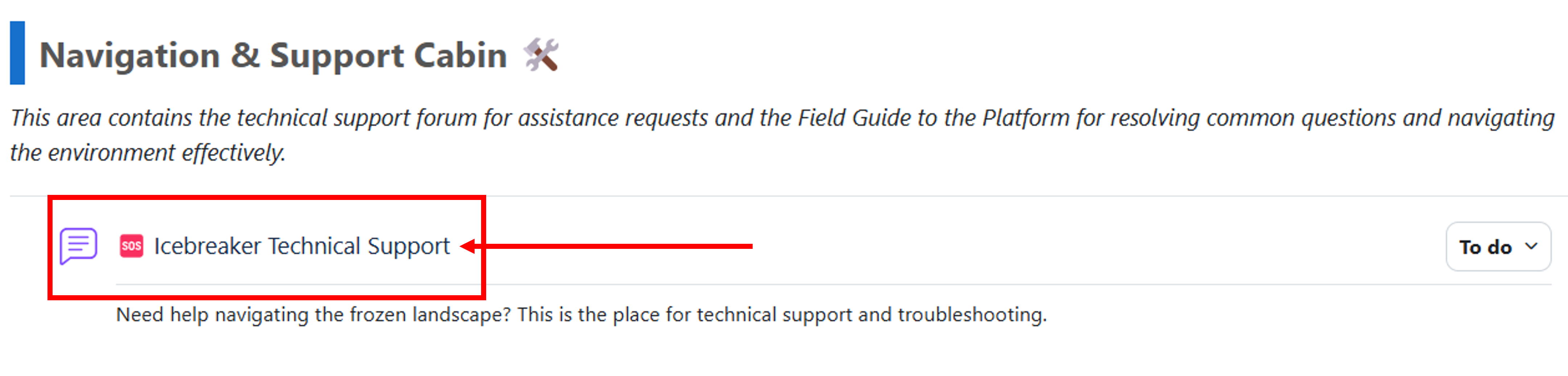
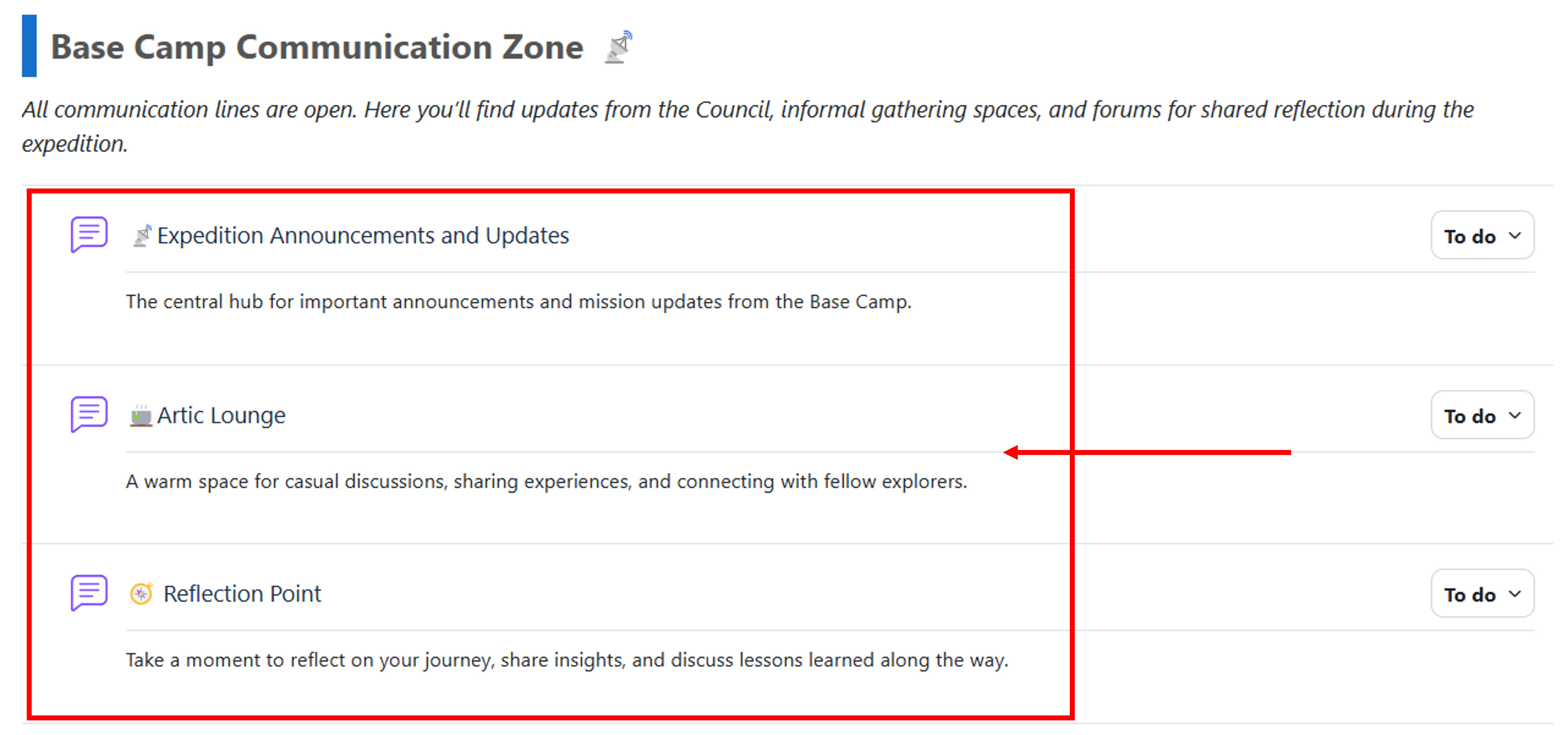
Note that the platform will have four ‘general’ forums, which will be used throughout the course (see below). These are:
- 🆘Icebreaker Technical Support forum, which is the place to ask for help regarding issues with the platform, the webinar platform, or other technical tools employed during the course;
- 📡Expedition Announcements and Updates forum, which you should regularly check to keep updated on important course-related information;
- 🍵Artic Lounge forum, which is a space for informal discussion, including discussion on topics not related to the course;
- 🧭 Reflection Point forum, which is a space you can use to reflect with your colleagues about the learning process.
In addition to these, you will find more forums accessible from each specific course module, which will be the place where you’ll do the main module activities.
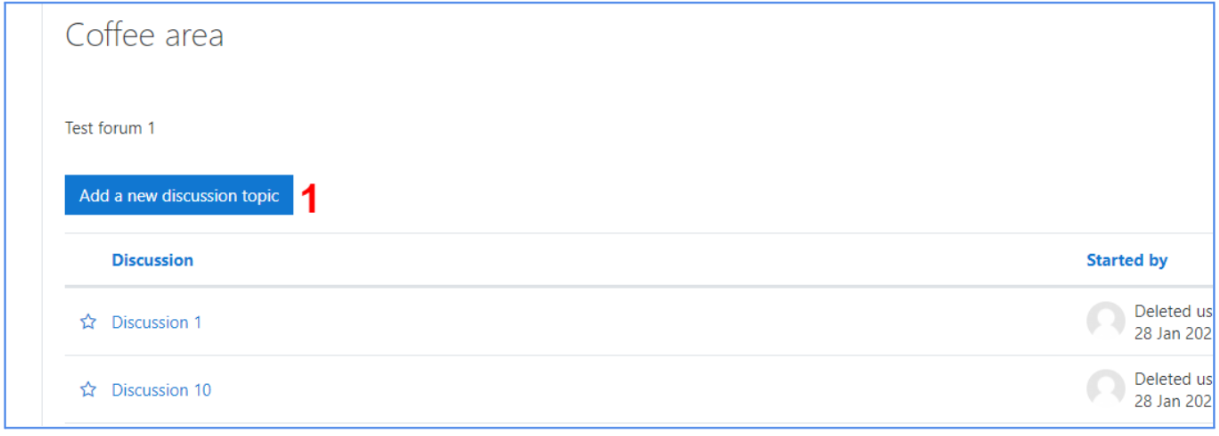
When you click on a forum, previously started discussions are listed and available to all users. Clicking the button “add a new discussion topic” will let you post a new discussion thread. Clicking on a discussion title will open it and allow you to reply to it.
It is also possible to subscribe to discussions (i.e. be notified of new posts) by clicking the envelope beside them . You can also subscribe to the whole forum by clicking on the gear icon and selecting “Subscribe to this forum”. You will then be notified whenever a new discussion or reply is added to the forum.