Frequently Asked Questions
13. Quick Reference
13.2. How do I change interface language?
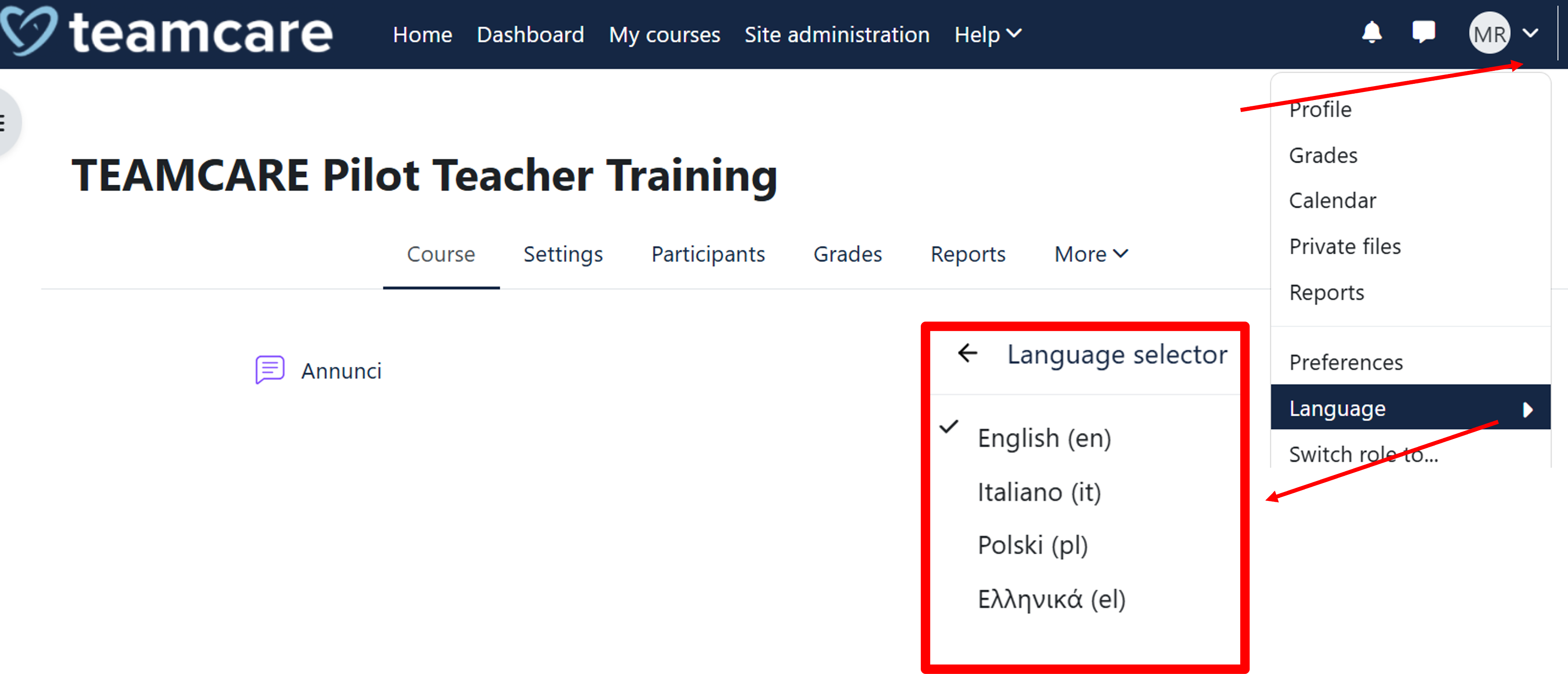
Most of the content of the TEAMCARE Platform is available in four different languages: English, Italian, Polish, and Greek.
To change the currently set language:
- Click on the language selection menu in the upper-right corner of any page
- Select the preferred language from the dropdown menu.