Frequently Asked Questions
3. Login and Logout
3.1. Login to the platform
It is necessary to authenticate before accessing the platform.
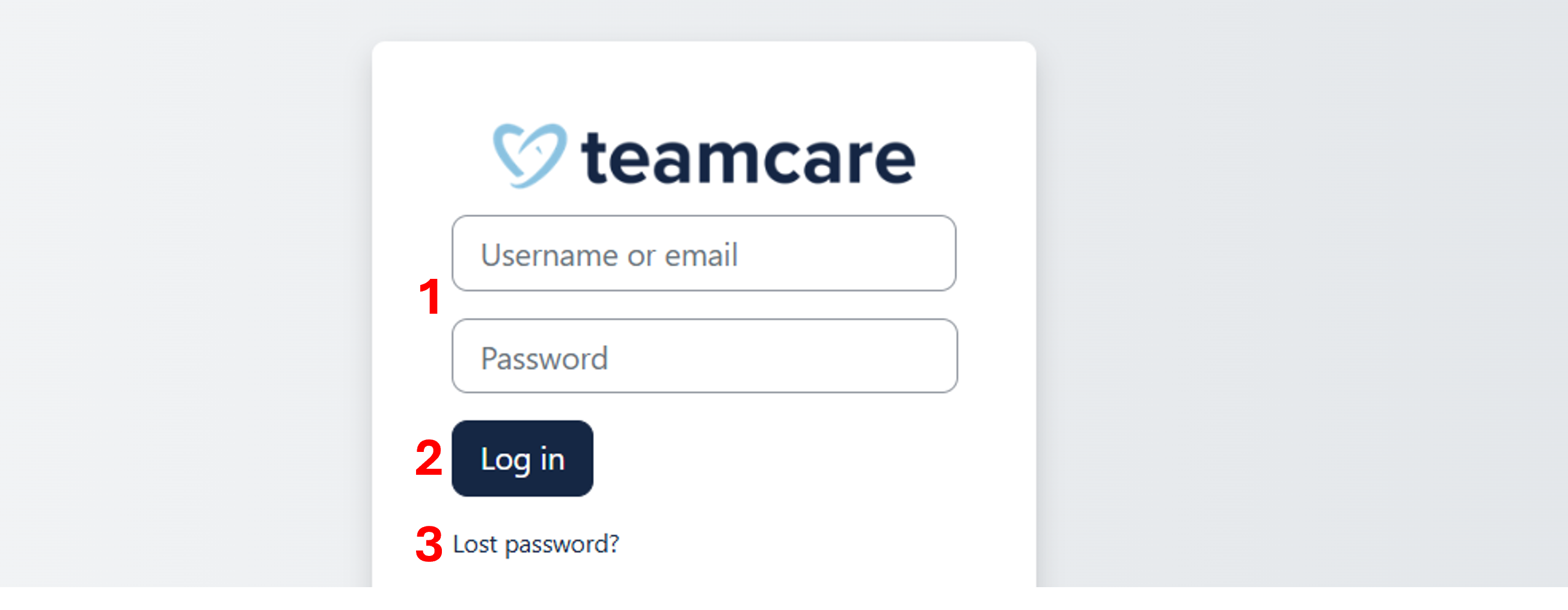
Click on the "Log in" link in the upper-right corner of any page to load the TEAMCARE login form (below).
To access the platform:
- Enter username (or email address) and password in the login fields (1).
- Click on the "Log in" button (2).
If successful, the login action automatically brings the user to their personal Dashboard.
If you have forgotten your username or password, click on "Lost password" (3).
Enter your username or email and click on "Search".
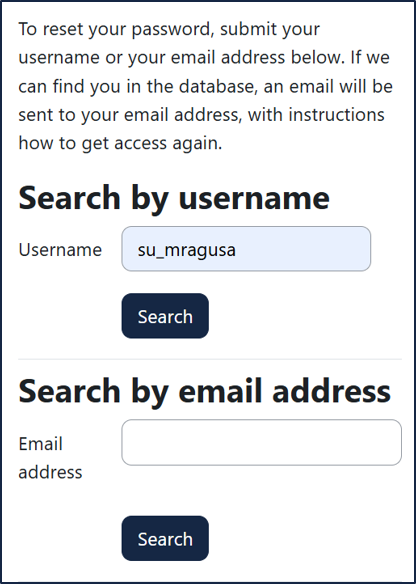
You will receive an email with instructions on how to recover your username and/or password.
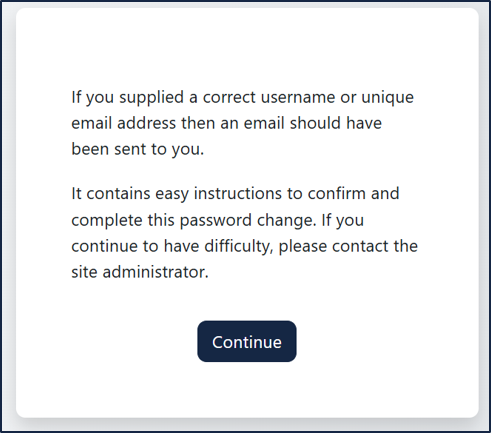
If the problem persists, contact the site administrator.